
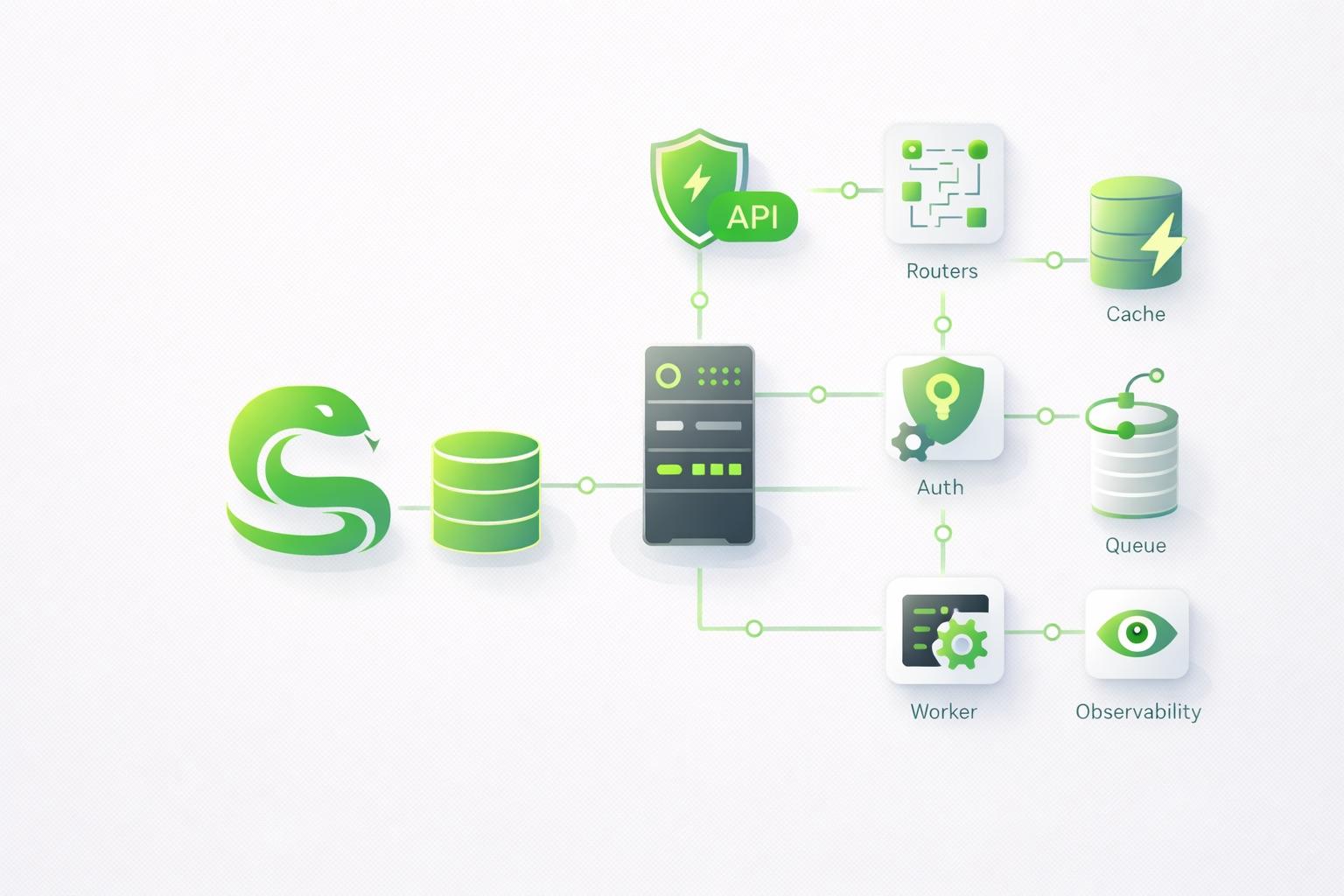
Project Overview
I built a backend API server to connect to the blog. It will be served at api.funq.kr.
Technology Stack
| Category | Technology | Version |
|---|---|---|
| Runtime | Python | 3.12 |
| Framework | FastAPI | 0.115.6 |
| Server | Uvicorn | 0.34.0 |
| ORM | SQLAlchemy | 2.0.36 |
| DB | PostgreSQL | - |
| Migrations | Alembic | 1.14.0 |
| Configuration management | pydantic-settings | 2.7.0 |
| Testing | pytest + httpx | - |
Project Structure
backend-api/
├── app/
│   ├── main.py          # FastAPI 앱 진입점
│   ├── config.py        # pydantic-settings 기반 설정
│   ├── database.py      # SQLAlchemy 엔진 및 세션
│   ├── models/          # SQLAlchemy 모델
│   ├── schemas/         # Pydantic 스키마
│   └── routers/         # API 라우터 모듈
├── alembic/             # DB 마이그레이션
├── tests/               # pytest 테스트
├── deploy/              # systemd 서비스 파일
└── .github/workflows/   # CI/CD
Key Implementation Details
1. Environment Variables (pydantic-settings)
In app/config.py, pydantic-settings manages environment variables with type safety.
from pydantic_settings import BaseSettings, SettingsConfigDict
from functools import lru_cache

class Settings(BaseSettings):
    app_name: str = "Backend API"
    debug: bool = False
    database_url: str = "postgresql://..."
    cors_origins: list[str] = ["http://localhost:3000"]

    model_config = SettingsConfigDict(env_file=".env")

@lru_cache
def get_settings() -> Settings:
    return Settings()
The @lru_cache decorator caches the settings so the .env file does not have to be read every time.
2. Database Connection (SQLAlchemy 2.0)
from sqlalchemy import create_engine
from sqlalchemy.orm import sessionmaker, DeclarativeBase

engine = create_engine(settings.database_url)
SessionLocal = sessionmaker(autocommit=False, autoflush=False, bind=engine)

class Base(DeclarativeBase):
    pass

def get_db():
    db = SessionLocal()
    try:
        yield db
    finally:
        db.close()
I used the SQLAlchemy 2.0-style DeclarativeBase.
3. Health-Check Endpoint
I implemented an endpoint to check the API server and database connection status.
@router.get("/health")
def health_check():
    return {"status": "ok"}

@router.get("/health/db")
def db_health_check(db: Session = Depends(get_db)):
    try:
        db.execute(text("SELECT 1"))
        return {"status": "ok", "database": "connected"}
    except Exception as e:
        return {"status": "error", "database": str(e)}
4. CORS Configuration
I configured CORS to allow API requests from the blog frontend at blog.funq.kr.
app.add_middleware(
    CORSMiddleware,
    allow_origins=settings.cors_origins,
    allow_credentials=True,
    allow_methods=["*"],
    allow_headers=["*"],
)
Deployment Setup
systemd Service
[Unit]
Description=Backend API (FastAPI)
After=network.target postgresql.service

[Service]
User=funq
WorkingDirectory=/home/funq/dev/backend-api
Environment="PATH=/home/funq/dev/backend-api/venv/bin"
ExecStart=/home/funq/dev/backend-api/venv/bin/uvicorn app.main:app --host 0.0.0.0 --port 8000
Restart=always

[Install]
WantedBy=multi-user.target
GitHub Actions CI/CD
Pushing to main automatically runs the tests and then deploys to the server.
name: Deploy backend-api
on:
  push:
    branches: [ main ]

jobs:
  test-and-deploy:
    runs-on: ubuntu-latest
    steps:
      - uses: actions/checkout@v4
      - uses: actions/setup-python@v5
        with:
          python-version: "3.12"
      - run: pip install -r requirements.txt
      - run: pytest tests/ -v
      - name: Deploy to server via SSH
        uses: appleboy/ssh-action@v1.0.3
        with:
          host: ${{ secrets.SSH_HOST }}
          script: |
            cd /home/funq/dev/backend-api
            git fetch origin main && git reset --hard origin/main
            source venv/bin/activate
            pip install -r requirements.txt
            sudo systemctl restart backend-api
Deployment Troubleshooting: sudo Permissions
The first deployment failed at sudo systemctl restart backend-api because it requested a password.
Cause: the user connected over SSH needed to enter a password to run sudo commands
Fix: configure passwordless sudo for specific systemctl commands
# 서버에서 sudoers 파일 생성
sudo visudo -f /etc/sudoers.d/funq-backend-api
Add the following:
funq ALL=(ALL) NOPASSWD: /usr/bin/systemctl restart backend-api
funq ALL=(ALL) NOPASSWD: /usr/bin/systemctl status backend-api
funq ALL=(ALL) NOPASSWD: /usr/bin/systemctl stop backend-api
funq ALL=(ALL) NOPASSWD: /usr/bin/systemctl start backend-api
This allows only commands related to the backend-api service to run without a password, enabling CI/CD automation while maintaining security.



Comments
Korean and English pages share this conversation.
Loading comments…