
This is a follow-up to Building a Calendar with Claude Code and Superpowers. If you are interested in the AI-assisted development workflow, read the earlier post first.
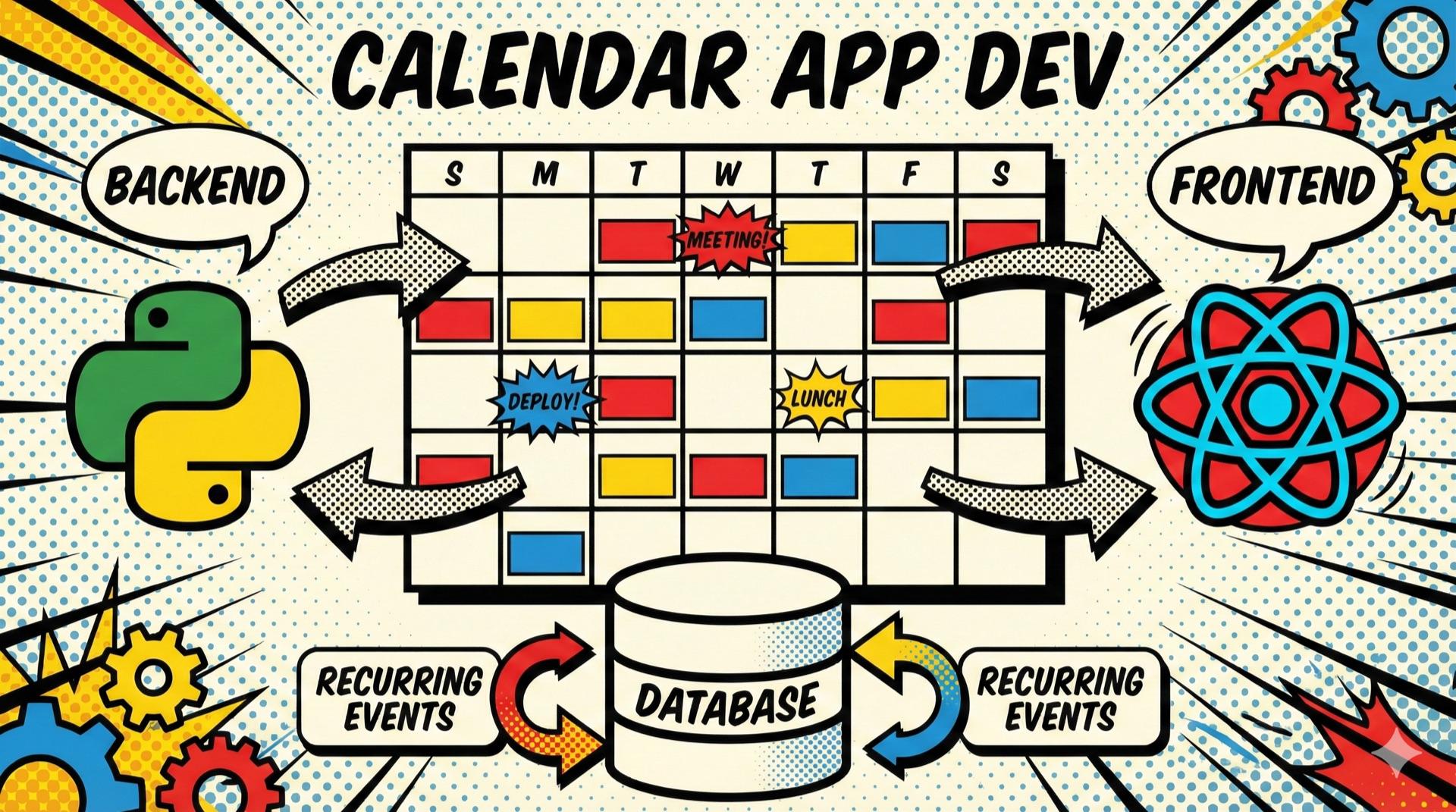
This post shares the full process of building a family calendar with a FastAPI backend and a Next.js frontend.
Technology Stack
Backend
Python 3.13 + FastAPI 0.115
PostgreSQL + SQLAlchemy 2.0
Firebase Authentication
python-dateutil (반복 일정)
pytest (TDD)
Frontend
Next.js 16.1.1 + React 19
TypeScript 5 (Strict Mode)
Tailwind CSS 4
shadcn/ui + Radix UI
Firebase SDK 12.7
date-fns 4.1 (한국어 로케일)
Authentication is unified through Firebase. Signing in with Firebase on the frontend produces an ID token, which the backend verifies to identify the user.
Full-Stack Architecture
┌─────────────────────────────────────────────────────────────────┐
│                         Frontend                                │
│  ┌─────────────┐  ┌──────────────┐  ┌────────────────────────┐  │
│  │  Next.js    │  │  shadcn/ui   │  │     Firebase Auth      │  │
│  │  App Router │  │  Components  │  │  (로그인 + ID Token)     │  │
│  └──────┬──────┘  └──────────────┘  └───────────┬────────────┘  │
│         │                                        │              │
│         │         API Client (Bearer Token)      │              │
│         └───────────────────┬────────────────────┘              │
└─────────────────────────────┼───────────────────────────────────┘
                              │ HTTPS
┌─────────────────────────────┼───────────────────────────────────┐
│                         Backend                                 │
│                              │                                  │
│  ┌───────────────────────────┴────────────────────────────────┐ │
│  │                      FastAPI                               │ │
│  │  ┌──────────┐  ┌──────────┐  ┌──────────┐  ┌────────────┐  │ │
│  │  │  Auth    │  │ Members  │  │Categories│  │   Events   │  │ │
│  │  │  Router  │  │  Router  │  │  Router  │  │   Router   │  │ │
│  │  └────┬─────┘  └────┬─────┘  └────┬─────┘  └─────┬──────┘  │ │
│  │       │             │             │              │         │ │
│  │       └─────────────┴──────┬──────┴──────────────┘         │ │
│  │                            │                               │ │
│  │  ┌─────────────────────────┴─────────────────────────────┐ │ │
│  │  │              Service Layer (Protocol 기반)             │ │ │
│  │  │   MemberService │ CategoryService │ EventService      │ │ │
│  │  └─────────────────────────┬─────────────────────────────┘ │ │
│  │                            │                               │ │
│  │  ┌─────────────────────────┴─────────────────────────────┐ │ │
│  │  │           PostgreSQL + SQLAlchemy ORM                 │ │ │
│  │  │   FamilyMember │ Category │ Event │ RecurrenceException││ │
│  │  └───────────────────────────────────────────────────────┘ │ │
│  └────────────────────────────────────────────────────────────┘ │
└─────────────────────────────────────────────────────────────────┘
Part 1: Backend Implementation
Improving Testability with the Protocol Pattern
I used Python's Protocol to define interfaces and separate the real services from fake implementations.
# protocol.py
class MemberServiceProtocol(Protocol):
    def get_all(self) -> list[FamilyMemberResponse]: ...
    def create(self, data: FamilyMemberCreate) -> FamilyMemberResponse: ...
    def verify_and_link(self, email: str, firebase_uid: str) -> FamilyMemberResponse: ...
This pattern lets 92 tests run without PostgreSQL in just 0.12 seconds.
The Core of Recurring Events: RRULE
RRULE (Recurrence Rule) is the recurrence format defined in the iCalendar standard, RFC 5545.
FREQ=WEEKLY;INTERVAL=1;BYDAY=MO,WE,FR
This rule means “repeat every Monday, Wednesday, and Friday.” For a user-friendly API, I also support a pattern-object approach.
{
  "title": "학원",
  "start_time": "2024-01-15T16:00:00",
  "end_time": "2024-01-15T18:00:00",
  "recurrence_pattern": {
    "frequency": "WEEKLY",
    "weekdays": ["MO", "WE", "FR"]
  },
  "recurrence_end": "2024-12-31"
}
Expanding Recurring Events
When events are queried, recurring events are expanded into every occurrence within the requested period.
def get_by_date_range(self, start_date: date, end_date: date):
    results = []

    # 1. 일반 일정 조회
    non_recurring = self.db.query(Event).filter(
        Event.recurrence_rule.is_(None),
        Event.start_time.between(start_date, end_date),
    ).all()

    # 2. 반복 일정 확장
    recurring = self.db.query(Event).filter(
        Event.recurrence_rule.isnot(None),
        Event.start_time <= end_date,
    ).all()

    for event in recurring:
        occurrences = get_occurrences(
            rrule_str=event.recurrence_rule,
            dtstart=event.start_time,
            range_start=start_date,
            range_end=end_date,
        )
        for occurrence_date in occurrences:
            results.append(self._event_to_response(event, occurrence_date))

    return results
Part 2: Frontend Implementation
Project Structure
src/
├── app/
│   ├── page.tsx          # 메인 캘린더 (인증 필요)
│   └── login/page.tsx    # 로그인 페이지
├── components/
│   ├── calendar/         # 캘린더 컴포넌트
│   │   ├── CalendarHeader.tsx   # 뷰 전환 + 네비게이션
│   │   ├── MonthView.tsx        # 월간 그리드
│   │   ├── WeekView.tsx         # 주간 타임라인
│   │   ├── DayView.tsx          # 일간 상세
│   │   ├── EventDialog.tsx      # 일정 생성/수정
│   │   └── CategoryDialog.tsx   # 카테고리 관리
│   └── ui/               # shadcn/ui 컴포넌트
├── lib/
│   ├── api.ts            # API 클라이언트
│   ├── auth.ts           # Firebase 인증 함수
│   └── firebase.ts       # Firebase 초기화
└── hooks/
    └── useAuth.ts        # 인증 상태 관리 훅
API Client: Automatic Bearer Token Injection
Automatically add the Firebase ID token to every API request.
async function fetchWithAuth(url: string, options: RequestInit = {}) {
  const token = await getIdToken();

  const headers = {
    'Content-Type': 'application/json',
    ...(token && { Authorization: `Bearer ${token}` }),
    ...options.headers,
  };

  const response = await fetch(`${API_URL}${url}`, {
    ...options,
    headers,
  });

  if (!response.ok) {
    const error = await response.json().catch(() => ({ detail: 'Unknown error' }));
    throw new Error(error.detail || `HTTP ${response.status}`);
  }

  return response.json();
}
A Calendar with Multiple Views
The calendar provides three views.
| View | Purpose | Features |
|---|---|---|
| Monthly | See the overall schedule | Responsive event display (1–3 events) |
| Weekly | Review events by time | 24-hour timeline |
| Daily | Manage events in detail | Click a time slot to create an event |
{view === 'month' && <MonthView currentDate={currentDate} events={events} />}
{view === 'week' && <WeekView currentDate={currentDate} events={events} />}
{view === 'day' && <DayView currentDate={currentDate} events={events} />}
Recurring-Event UI
type Frequency = 'DAILY' | 'WEEKLY' | 'MONTHLY' | 'YEARLY';
type Weekday = 'MO' | 'TU' | 'WE' | 'TH' | 'FR' | 'SA' | 'SU';

interface RecurrencePattern {
  frequency: Frequency;
  interval?: number;
  weekdays?: Weekday[];
}
Selecting weekly recurrence shows weekday buttons.
{frequency === 'WEEKLY' && (
  <div className="flex flex-wrap gap-1">
    {WEEKDAY_OPTIONS.map((opt) => (
      <Button
        key={opt.value}
        variant={weekdays.includes(opt.value) ? 'default' : 'outline'}
        size="sm"
        className="w-9 h-9 p-0"
        onClick={() => toggleWeekday(opt.value)}
      >
        {opt.label}
      </Button>
    ))}
  </div>
)}
Responsive Design
Render the same data differently according to the screen size.
// 화면 크기별 표시 개수
const mobileCount = 1;
const tabletCount = 2;
const desktopCount = 3;

// 모바일: 1개만 표시
<div className="md:hidden">
  {dayEvents.slice(0, mobileCount).map(renderEvent)}
  {dayEvents.length > mobileCount && (
    <p className="text-xs">+{dayEvents.length - mobileCount}</p>
  )}
</div>

// 태블릿: 2개
<div className="hidden md:block lg:hidden">
  {dayEvents.slice(0, tabletCount).map(renderEvent)}
</div>

// 데스크톱: 3개
<div className="hidden lg:block">
  {dayEvents.slice(0, desktopCount).map(renderEvent)}
</div>
Part 3: Troubleshooting
Troubleshooting 1: Time Zones
Symptom: an event for January 3 appears on January 4
Cause: conversion to UTC by toISOString() shifts the date
// 문제 코드
const dateStr = date.toISOString().split('T')[0];
// 1월 3일 00:00 KST → "2026-01-02" (UTC 기준)Fix: use local Date methods
// 해결 코드
const getEventsForDate = (date: Date) => {
  const year = date.getFullYear();
  const month = date.getMonth();
  const day = date.getDate();

  return events.filter((event) => {
    // 반복 일정은 occurrence_date 사용
    if (event.is_recurring && event.occurrence_date) {
      const [y, m, d] = event.occurrence_date.split('-').map(Number);
      return y === year && m - 1 === month && d === day;
    }
    // 일반 일정은 start_time 파싱
    const eventDate = new Date(event.start_time);
    return (
      eventDate.getFullYear() === year &&
      eventDate.getMonth() === month &&
      eventDate.getDate() === day
    );
  });
};
Troubleshooting 2: API Response Format Mismatch
Symptom: a t.filter is not a function error
Cause: the backend returns an object, { events: [...] }, while the frontend expects an array
Fix: add response-extraction logic
export async function getEvents(startDate: string, endDate: string) {
  const response = await fetchWithAuth(
    `/calendar/events?start_date=${startDate}&end_date=${endDate}`
  );
  // 객체에서 배열 추출
  return response?.events || [];
}
Resolving It with AI: I documented the calendar-related requests and responses in the backend project, then used AI in the frontend project to review that document and make the necessary corrections.
Troubleshooting 3: ESLint react-hooks Errors
Symptom: a react-hooks/set-state-in-effect error
Cause: multiple setState calls inside useEffect
Fix: combine the form state into a single object
// Before: 10개의 개별 useState
const [title, setTitle] = useState('');
const [description, setDescription] = useState('');
// ...

// After: 단일 FormState 객체
interface FormState {
  title: string;
  description: string;
  startDate: Date;
  startTime: string;
  // ...
}

const [formState, setFormState] = useState<FormState>(getInitialFormState);
Part 4: Test Strategy
The Backend Test Pyramid (Which Became a Trophy)
          / \
         /   \
        /     \
       /  E2E  \ 8개 (실제 Firebase, DB)
      /─────────\
     /Integration\ 43개 (Fake DI)
    /─────────────\
   /     Unit      \ 19개 (순수 로직)
   ─────────────────
Unit Tests for Recurrence Logic
def test_weekly_specific_days(self):
    """매주 월, 수, 금 반복"""
    occurrences = get_occurrences(
        rrule_str="FREQ=WEEKLY;INTERVAL=1;BYDAY=MO,WE,FR",
        dtstart=datetime(2024, 1, 1, 10, 0),
        range_start=date(2024, 1, 1),
        range_end=date(2024, 1, 7),
    )

    assert len(occurrences) == 3
    assert date(2024, 1, 1) in occurrences  # 월
    assert date(2024, 1, 3) in occurrences  # 수
    assert date(2024, 1, 5) in occurrences  # 금
Frontend E2E Tests (Playwright)
test('일정 생성 및 표시', async ({ page }) => {
  await page.goto('/');

  // 일정 추가 버튼 클릭
  await page.click('text=일정 추가');

  // 폼 작성
  await page.fill('[name=title]', '테스트 일정');
  await page.click('text=저장');

  // 캘린더에 일정 표시 확인
  await expect(page.locator('text=테스트 일정')).toBeVisible();
});
Part 5: Deployment
Nginx Configuration and SSL Certificate Issuance
The server's base environment—Ubuntu Server, Nginx, Certbot, firewall, and so on—was already configured in Setting Up the Blog Server. Here, only the calendar app's configuration needs to be added.
1. Create the Configuration File
sudo nano /etc/nginx/sites-available/calendar.conf2. Paste the Contents and Save
Paste the following into the editor, then press Ctrl+O (save) → Enter → Ctrl+X (exit).
server {
    server_name calendar.funq.kr;

    location / {
        proxy_pass http://127.0.0.1:3002;
        proxy_http_version 1.1;

        proxy_set_header Host $host;
        proxy_set_header X-Real-IP $remote_addr;
        proxy_set_header X-Forwarded-For $proxy_add_x_forwarded_for;
        proxy_set_header X-Forwarded-Proto $scheme;

        proxy_set_header Upgrade $http_upgrade;
        proxy_set_header Connection "upgrade";
    }

    listen 80;
}
3. Create a Symbolic Link
sudo ln -s /etc/nginx/sites-available/calendar.conf /etc/nginx/sites-enabled/4. Test the Nginx Configuration Syntax
sudo nginx -t
# syntax is ok 메시지 확인
5. Restart Nginx
sudo systemctl reload nginx6. Issue an SSL Certificate (Certbot)
sudo certbot --nginx -d calendar.funq.krCertbot automatically modifies the Nginx configuration and applies the HTTPS certificate.
The Result
Supported Features
| Feature | Description |
|---|---|
| Multiple views | Switch between monthly, weekly, and daily views |
| Event CRUD | Create, read, update, and delete |
| Recurring events | Daily, weekly, monthly, yearly, and specific weekdays |
| Categories | Color-based categorization |
| Family members | A different color for each member |
| Automatic registration | Create a user automatically on first login |
| Responsive layout | Supports mobile, tablet, and desktop |
Supported Recurrence Patterns
| Pattern | Example API request |
|---|---|
| Every day | {"frequency": "DAILY"} |
| Every week | {"frequency": "WEEKLY"} |
| Every Monday, Wednesday, and Friday | {"frequency": "WEEKLY", "weekdays": ["MO", "WE", "FR"]} |
| Every other week | {"frequency": "WEEKLY", "interval": 2} |
| Every month | {"frequency": "MONTHLY"} |
| Every year | {"frequency": "YEARLY"} |
Closing Thoughts
What I Learned
Backend
- The Protocol pattern: greatly improves testability
- The RRULE standard: do not reinvent the wheel; RFC 5545 is a proven standard
- Incremental improvement: improve as errors appear; with tests, there is less to fear
Frontend
- TypeScript strict mode: catches runtime errors at build time
- shadcn/ui: customizable components speed up development
- Time-zone handling: use local Date methods instead of
toISOString()
Full stack
- API contracts: clearly define the response format between backend and frontend
- Automatic registration: reduce friction in user onboarding
- Error handling: use graceful degradation to keep working offline
About the Series
This is part 2 of the calendar project series:
- Building a Calendar with Claude Code and Superpowers: Brainstorm → Plan → Execute—the development workflow
- Full-Stack Calendar Development (this post)—implementation details
GitHub: https://github.com/nasodev/calendar
Live Demo: https://calendar.funq.kr
Leave a comment if you have any questions!

Comments
Korean and English pages share this conversation.
Loading comments…