
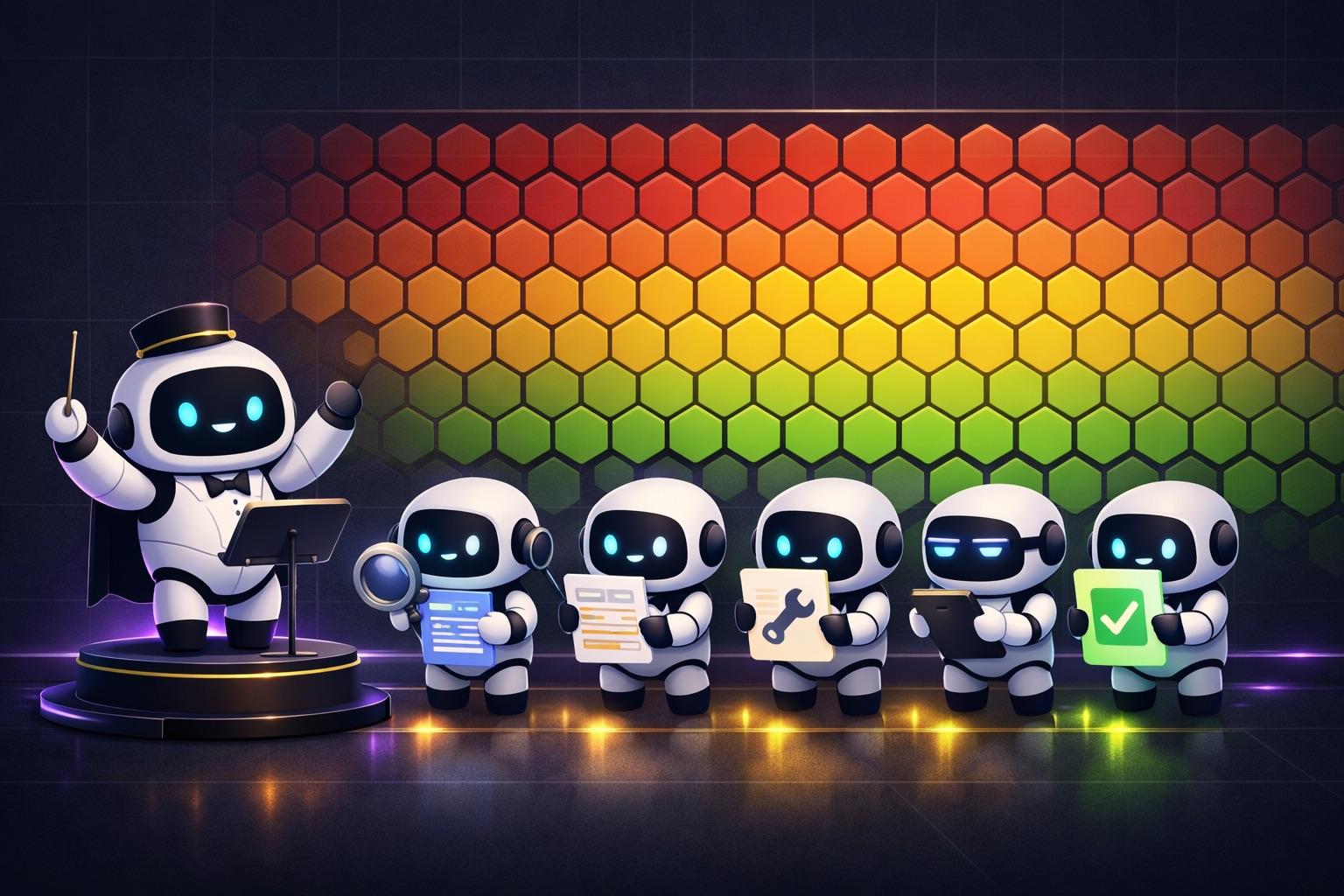
Applying SonarQube to multiple projects produces thousands or tens of thousands of issues.
Ten is manageable, a hundred is difficult, and tens of thousands is impossible. The previous manual process looked like this.
대시보드 확인 → 이슈 열람 → 분석 → 수정 → 테스트 → PR → 리뷰
It was hard to tell who was handling which issue, the depth of analysis and quality of fixes varied by person, and two people sometimes worked on the same issue simultaneously. Neither the reasoning behind a fix nor the analysis process was recorded.
So I built a system in which AI agents take one issue at a time and run the entire pipeline.
Source code: github.com/nasodev/claude-sonarcube-workflow
The Core Idea
Use Google Sheets as a work queue, with Claude Code subagents taking issues one by one and running the entire pipeline.
SonarQube API → Google Sheets(작업 대기열) → Claude Code 서브에이전트 × 5 병렬
                     ↕                              ↓
              여러 담당자가 배정           분석 → 리뷰 → 개발 → 리뷰 → 테스트 → 완료
                                                    ↓
                                          8단계 리포트 + SQLite 추적 DB
During the design, I borrowed patterns from tools I was already using.
| Borrowed from | Applied to | Description |
|---|---|---|
| FAS-BackEnd FAS-MASTER SKILL | Code modification rules | Inject project-specific coding conventions and architectural rules through CODING_RULES_PATH |
| SuperSkills | SQLite log storage | Record execution traces, state transitions, and accumulated errors in SQLite |
| SuperPowers | TDD development approach | The characterization-test pattern and TDD gating decisions |
Plugin Architecture
Directory Structure
claude-plugin-sonar/
├── .claude-plugin/plugin.json      # 플러그인 매니페스트
├── settings.json                   # 보안 정책 + 이벤트 훅
├── .env.example                    # 환경 설정 템플릿
├── guides/                         # 에이전트 행동 규칙
│   ├── bash-execution-rules.md     # Bash 실행 9대 원칙
│   └── red-flags.md                # 에이전트 일탈 방지 9대 규칙
├── hooks/
│   └── save-history.sh             # 디버그 모드 대화 기록 저장
├── skills/                         # 7개 스킬 (마이크로서비스 구조)
│   ├── sonar/                      # 오케스트레이터 (유일한 진입점)
│   ├── sonar-intake/               # 이슈 수집
│   ├── sonar-analyze/              # 분석 + Jira/리포트 생성
│   ├── sonar-develop/              # 코드 수정 + TDD
│   ├── sonar-review/               # 독립 검증 에이전트
│   ├── sonar-common/               # 공유 라이브러리
│   └── sonar-dashboard/            # HTML 대시보드 생성
└── data/                           # SonarQube JSON 캐시
The Roles of the Seven Skills
| Skill | Role | How it is invoked |
|---|---|---|
sonar | Orchestrator: controls the entire flow | /sonar (the only entry point) |
sonar-intake | SonarQube API → Upload to Google Sheets | Invoked by the orchestrator |
sonar-analyze | Root-cause analysis, solution proposals, and TDD decisions | Invoked by the orchestrator |
sonar-review | Independent verification of both analysis and fixes | Invoked by the orchestrator |
sonar-develop | Code changes, tests, and final deliverables | Invoked by the orchestrator |
sonar-common | Shared utilities (Sheets, SQLite, etc.) | Imported by other skills |
sonar-dashboard | Generate an HTML KPI dashboard | /sonar-dashboard |
Workflow: The Journey of One Issue
Command Flow
# 1단계: 이슈 수집
/sonar intake

# 2단계: 이슈 배정
/sonar claim 5                  # 개인에게 N개 배정
/sonar claim --distribute       # 팀 멤버에게 균등 분배

# 3단계: 자동 처리 (담당 이슈 전체 병렬, MAX_CONCURRENT_AGENTS 제어)
/sonar run
State Machine
대기 → CLAIMED → ANALYZING ⟷ REVIEW_ANALYSIS → JIRA_CREATED
                    ↓ (4회 실패)
                 BLOCKED

JIRA_CREATED → DEVELOPING ⟷ REVIEW_FIX → TESTING → DONE
                   ↓ (4회 실패)
                BLOCKED
Every transition generates a report, updates the spreadsheet status in real time, and leaves an execution record in the SQLite tracking database.
Data Flow Between Skills
sonar (오케스트레이터)
  │
  ├─ sonar-intake → SonarQube API 이슈 수집 → Google Sheets 업로드
  │
  ├─ sonar-analyze → 01_analysis_report.md / 03_jira_created.md
  │
  ├─ sonar-review("analysis") → 02_analysis_review.md (PASS/FAIL)
  │
  ├─ sonar-develop → 04_fix_report.md / 06_test_report.md / 07_final_deliverable.md / 08_cto_approval.md
  │
  └─ sonar-review("fix") → 05_fix_review.md (PASS/FAIL)
Core Design: Controlling AI Agents
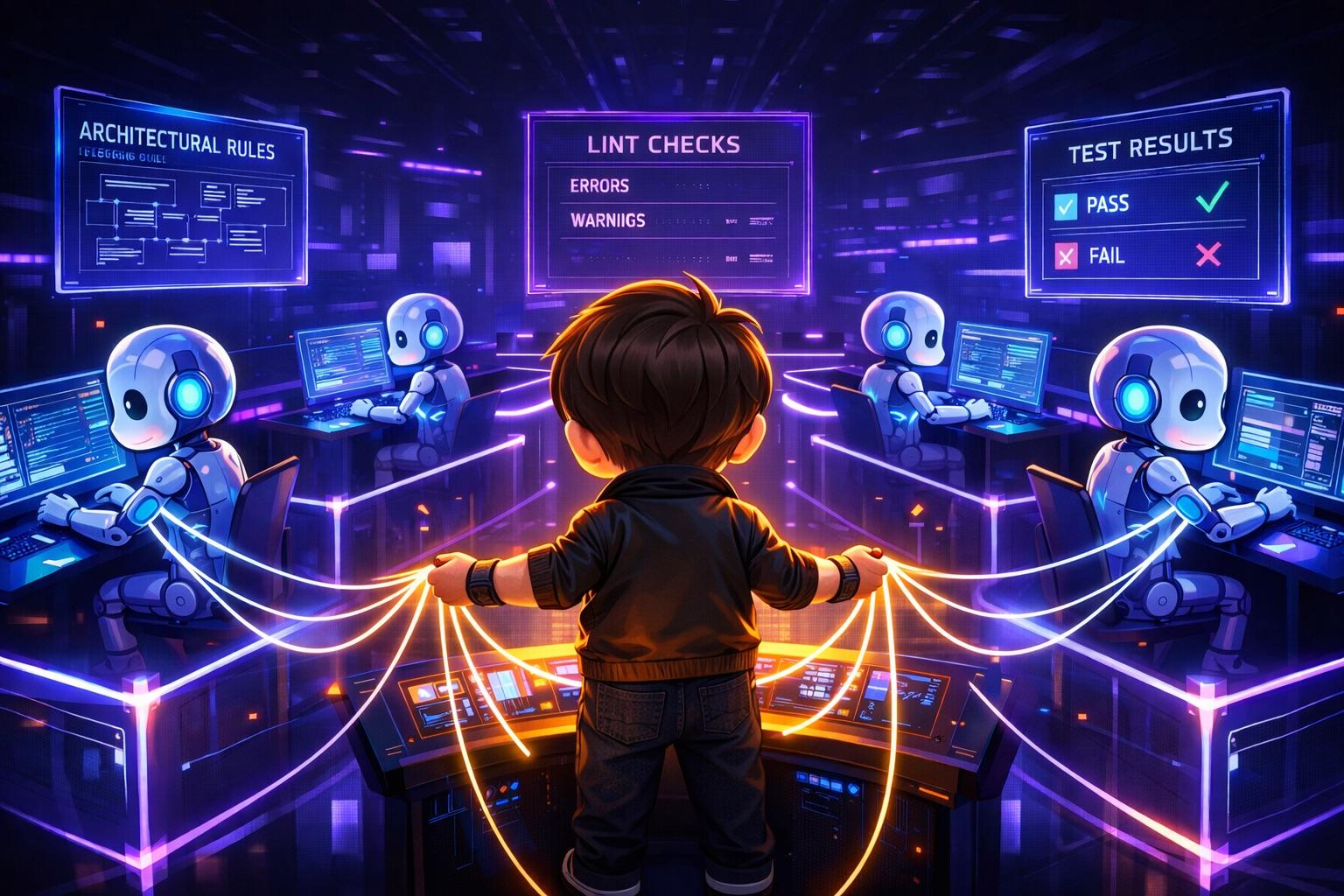
An Independent Review Agent
The analyzing agent ≠ the verifying agent
sonar-analyze → 01_analysis_report.md → sonar-review (별개의 서브에이전트)
                                              ↓
                                        PASS → 다음 단계
                                        FAIL → 피드백 반영 후 재시도 (최대 3회)
                                        4회 실패 → BLOCKED (사람 개입)
Code changes follow the same structure. When sonar-develop makes a change, sonar-review verifies it independently.
Technical Blocks (settings.json)
Block dangerous agent actions at the system level.
{
  "permissions": {
    "deny": [
      "Bash(git commit*)",
      "Bash(git push*)",
      "Bash(gh pr create*)",
      "Bash(git worktree remove*)",
      "Bash(rm -rf *)",
      "Bash(git reset --hard*)"
    ]
  }
}
AI prepares the deliverables; a human executes them.
Red Flags: Nine Rules to Prevent Agent Deviations
| # | Rule | The AI's excuse | Reality |
|---|---|---|---|
| 1 | Do not group issues | “They are in the same file, so grouping them is more efficient” | The context, impact scope, and fix differ |
| 2 | Do not skip states | “It is a simple fix, so review can be skipped” | Simple fixes have the most side effects |
| 3 | No automatic commits or PRs | “Verification is complete, so committing is safe” | Agent verification ≠ user verification |
| 4 | Do not end the workflow early | — | — |
| 5 | Do not ignore review results | — | — |
| 6 | Do not skip checking spreadsheet status | — | — |
| 7 | Do not omit reports | — | — |
| 8 | Do not delete worktrees | — | — |
| 9 | Prevent concurrent-work conflicts | — | — |
Every rule includes a “plausible excuse versus reality” comparison.
| Excuse | Reality |
|---|---|
| “Just this once, as an exception” | No exceptions. Once sets a precedent |
| “To save time” | Undoing an incorrect result takes longer |
| “The user would want this” | Do not guess the user's intent |
TDD Gating
Writing tests for every issue is inefficient. The analysis stage decides whether TDD is needed.
| TDD_REQUIRED (tests required) | TDD_SKIP (tests skipped) |
|---|---|
| BUG or VULNERABILITY | CODE_SMELL + MINOR/INFO |
| SECURITY or RELIABILITY | Variable or method renames only |
| Function signature or return-value changes | Comment, documentation, or logging changes |
| Refactoring affecting 3 or more functions | Removing unused imports |
| Areas with no existing tests | Code formatting |
The Characterization-Test Pattern
1. 수정 전 동작을 캡처하는 테스트 작성
2. BEFORE 실행 → GREEN 확인 (현재 동작 보존 검증)
3. 코드 수정
4. AFTER 실행 → GREEN 확인 (기존 동작 미파괴 검증)
The key: test against “current behavior,” rather than “ideal behavior.” The goal is to improve code quality, not change existing logic.
The Eight-Stage Report Chain
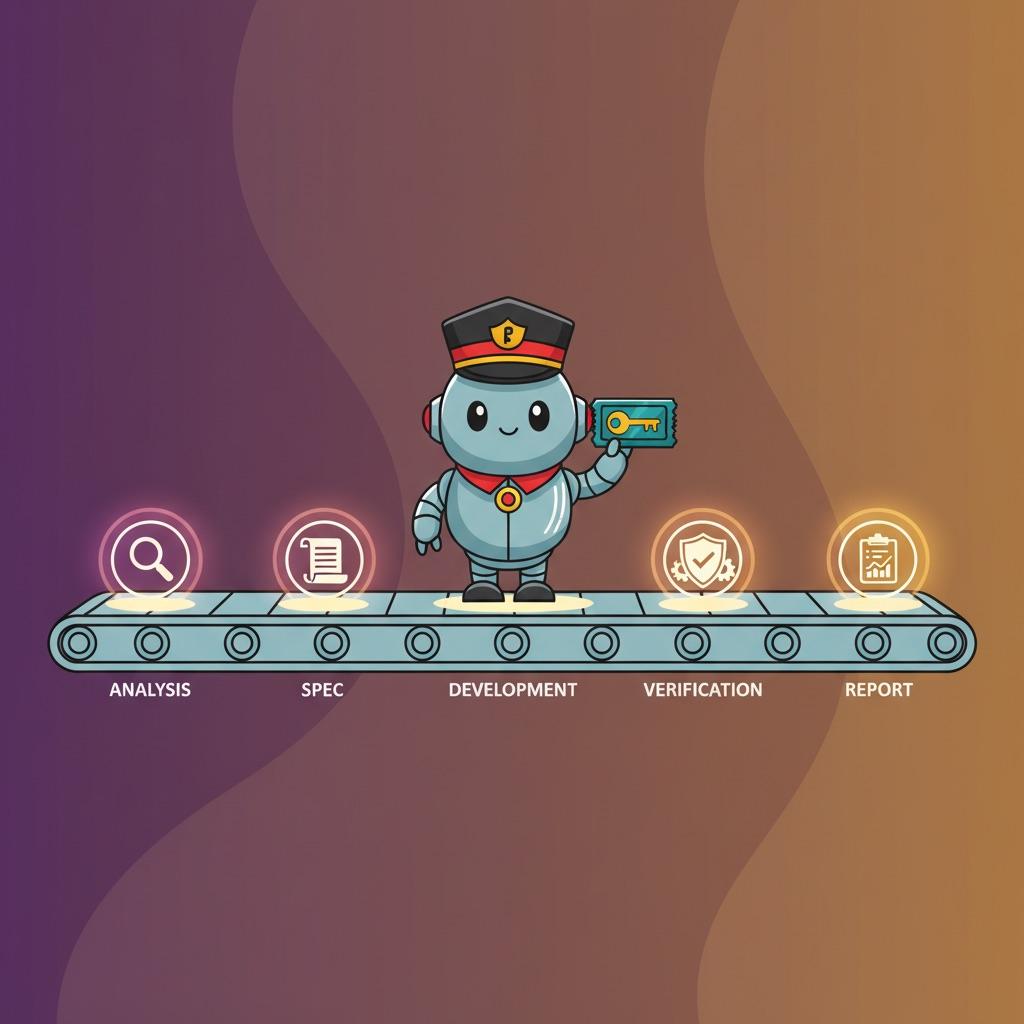
Processing one issue creates eight report files.
reports/{issue_key}/
├── 01_analysis_report.md     ← 근본 원인 분석, 해결 방안, TDD 판정
├── 02_analysis_review.md     ← 독립 에이전트의 분석 검증 (PASS/FAIL)
├── 03_jira_created.md        ← Jira 티켓 생성 확인
├── 04_fix_report.md          ← 수정 내역, 변경 파일, 사이드이펙트
├── 05_fix_review.md          ← 독립 에이전트의 수정 검증 (PASS/FAIL)
├── 06_test_report.md         ← 테스트 실행 결과
├── 07_final_deliverable.md   ← 커밋 메시지 + PR 설명 (복사용)
└── 08_cto_approval.md        ← 전체 과정 종합, 승인 요청
07_final_deliverable.md looks like this.
## 커밋 메시지 (복사용)
fix(UserService): Remove unused parameter 'name' from validateEmail
- Removed unused parameter flagged by SonarQube rule java:S1172
- No behavioral changes, verified by characterization tests
Issue: ODIN-123

## PR 설명 (복사용)
...
A human reviews the report and, if they agree, copies the commit message and creates the commit and PR.
Collaboration Through Google Sheets
Concurrent Work by Multiple People
Method 1: Individual claims—each assignee takes as many issues as they want.
담당자 A: /sonar claim 10  → 10개 이슈 배정 → /sonar run
담당자 B: /sonar claim 5   →  5개 이슈 배정 → /sonar run
담당자 C: /sonar claim 20  → 20개 이슈 배정 → /sonar run
Method 2: Even distribution—assign all pending issues to the team at once.
/sonar claim --distribute                          # TEAM_MEMBERS 환경변수 사용
/sonar claim --distribute --members "A,B,C"        # 멤버 직접 지정
Sort by severity (BLOCKER → HIGH → MEDIUM → LOW → INFO), then assign round-robin. With 10 issues and 3 people, A gets 4, B gets 3, and C gets 3.
Leader Assigns, Team Members Execute
리더 (1회)
  1. /sonar intake              ← SonarQube → Sheets 수집
  2. /sonar claim --distribute  ← 심각도 순 라운드로빈 분배
         ↓
  Google Sheets (SSOT)
  3,000개 이슈 / 상태: CLAIMED / 담당자 자동 배정 완료
         ↓
  A: 1,000개 / B: 1,000개 / C: 1,000개

팀원 각자 (동시)
  팀원 A: /sonar run → 서브에이전트 ×5 병렬 → 분석 → 리뷰 → 개발 → 테스트
  팀원 B: /sonar run → 서브에이전트 ×5 병렬 → 분석 → 리뷰 → 개발 → 테스트
  팀원 C: /sonar run → 서브에이전트 ×5 병렬 → 분석 → 리뷰 → 개발 → 테스트
         ↓
  3,000개 이슈 처리 완료 → reports/ + worktrees/
The leader prepares things with two commands; each team member needs only /sonar run.
- Google Sheets = Single Source of Truth (central state store)
- See who is working on which issue in real time
- Each assignee runs independently in their local environment
- Process with up to 5 subagents in parallel
Git Worktree Isolation
worktrees/
├── ODIN-123/    ← 이슈 1 (담당자 A) — fix/ODIN-123 브랜치
├── ODIN-124/    ← 이슈 2 (담당자 A) — fix/ODIN-124 브랜치
├── ODIN-125/    ← 이슈 3 (담당자 B) — fix/ODIN-125 브랜치
Each issue is worked on in an independent branch, so they do not interfere with one another.
Tracking and Analysis: SQLite + Dashboard
SQLite Tracking Database
-- 이슈별 실행 추적
issue_executions: execution_id, issue_key, phase, status, attempt_number, duration_ms, error_message

-- 상태 전이 감사 로그
state_transitions: issue_key, from_status, to_status, triggered_by, notes

-- 에러 누적 기록
error_log: issue_key, phase, error_type, error_message, review_suggestions
Automatic State Tracking
_STATUS_AUTO_TRACKING = {
    'ANALYZING':      ('start', 'analyze'),
    'JIRA_CREATED':   ('complete', 'analyze', 'success'),
    'DEVELOPING':     ('start', 'develop'),
    'DONE':           ('complete', 'develop', 'success'),
    'BLOCKED':        ('complete_all', 'blocked'),
}
Spreadsheet status changes are recorded automatically in SQLite.
HTML Dashboard
/sonar-dashboardVisualize KPIs such as success rates, average time per stage, error patterns, and issue timelines.
Project-Specific Specialization
Injecting Coding Rules
CODING_RULES_PATH=/path/to/project-rulesproject-rules/
├── SKILL.md ← 핵심 규칙 개요
├── references/ ← 상세 가이드 (architecture.md, patterns.md, testing.md)
├── templates/ ← 코드 패턴 예시 (service.java, controller.java)
└── scripts/ ← 유틸리티 (linter.sh, formatter.sh)
Project A uses Spring Boot conventions; project B uses Node.js patterns. sonar-develop loads and follows the rules before modifying code.
Jira Mode / Report Mode
| Mode | Setting | Behavior |
|---|---|---|
| Jira mode | JIRA_ENABLED=true | Automatically create a Jira ticket after analysis |
| Report mode | JIRA_ENABLED=false | Generate reports without Jira (convert to tickets later if needed) |
Debug Mode
When .env sets DEBUG_MODE=true:
history/{issue_key}/
├── 20250205_143000_subagent_general-purpose.jsonl  ← 원본 트랜스크립트
├── 20250205_143000_summary.md                       ← 요약 리포트
└── 20250205_143000_hook_metadata.json               ← 메타데이터
Claude Code hooks automatically save the records on Stop and SubagentStop events.
Nine Principles for Bash Execution
| # | Principle | Key point |
|---|---|---|
| 1 | Dynamic project root | Prefer CLAUDE_PROJECT_DIR; fall back to git rev-parse |
| 2 | Always load .env | Never hardcode API tokens |
| 3 | Capture error output | Capture stderr with 2>&1 |
| 4 | Validate API responses | Check HTTP status codes separately |
| 5 | Pipeline safety | set -euo pipefail |
| 6 | Isolate directory changes | Isolate cd in a subshell |
| 7 | Standard template | Use a consistent starting structure for all scripts |
| 8 | Safe JSON parsing | Always validate jq results |
| 9 | Standardized output | Use consistent success/failure message formats |
A Practical Scenario
Assume 3 projects, 3,000 issues, and 5 assignees.
# 1. 이슈 수집
/sonar intake project-a
/sonar intake project-b
/sonar intake project-c

# 2. 담당자별 배정
/sonar claim --distribute --members "A,B,C,D,E"

# 3. 자동 처리
/sonar run

# 4. 현황 확인
/sonar status

# 5. 완료 이슈 승인
/sonar approve ODIN-123

# 6. 수동 커밋 & PR (07_final_deliverable.md 참조)
git add . && git commit -m "복사한 커밋 메시지"
gh pr create --title "제목" --body "복사한 PR 설명"
Summary
| Problem | Solution |
|---|---|
| Tens of thousands of issues cannot be processed manually | Automatic parallel processing with 5 AI subagents |
| One person cannot handle every project | Multi-person collaboration through Google Sheets |
| No traceability of the process | Eight-stage reports + SQLite audit logs |
| Arbitrary AI behavior | Technical blocks in settings.json + Red Flags rules |
| Inconsistent analysis and fix quality | Independent review agents + Up to 4 retries |
| Unnecessary tests | TDD Gating |
| Failure to follow project-specific coding rules | Inject CODING_RULES_PATH |
| Difficult debugging | Preserve full conversation records with DEBUG_MODE |
Technology Stack
| Area | Technology |
|---|---|
| Orchestration | Claude Code Skills (SKILL.md-based multi-agent system) |
| State management | Google Sheets API (gspread + oauth2client) |
| Issue source | SonarQube REST API |
| Issue tracking | Jira REST API (optional) |
| Code isolation | Git Worktree |
| Data storage | SQLite (tracking database) |
| Dashboard | HTML generation (generate_dashboard.py) |
| Security | settings.json permissions.deny |
| Debugging | Claude Code Hooks (save-history.sh) |
| Testing | Characterization-test pattern (TDD gating) |
“Let AI do what AI can do, and humans do what only humans can do.”
AI writes the analysis, fixes, tests, and reports. Humans review the reports, commit, open PRs, and give final approval.
Having humans verify AI deliverables is what makes the whole system trustworthy.
Comments
Korean and English pages share this conversation.
Loading comments…