
“I have an idea, but I don't know where to start.”
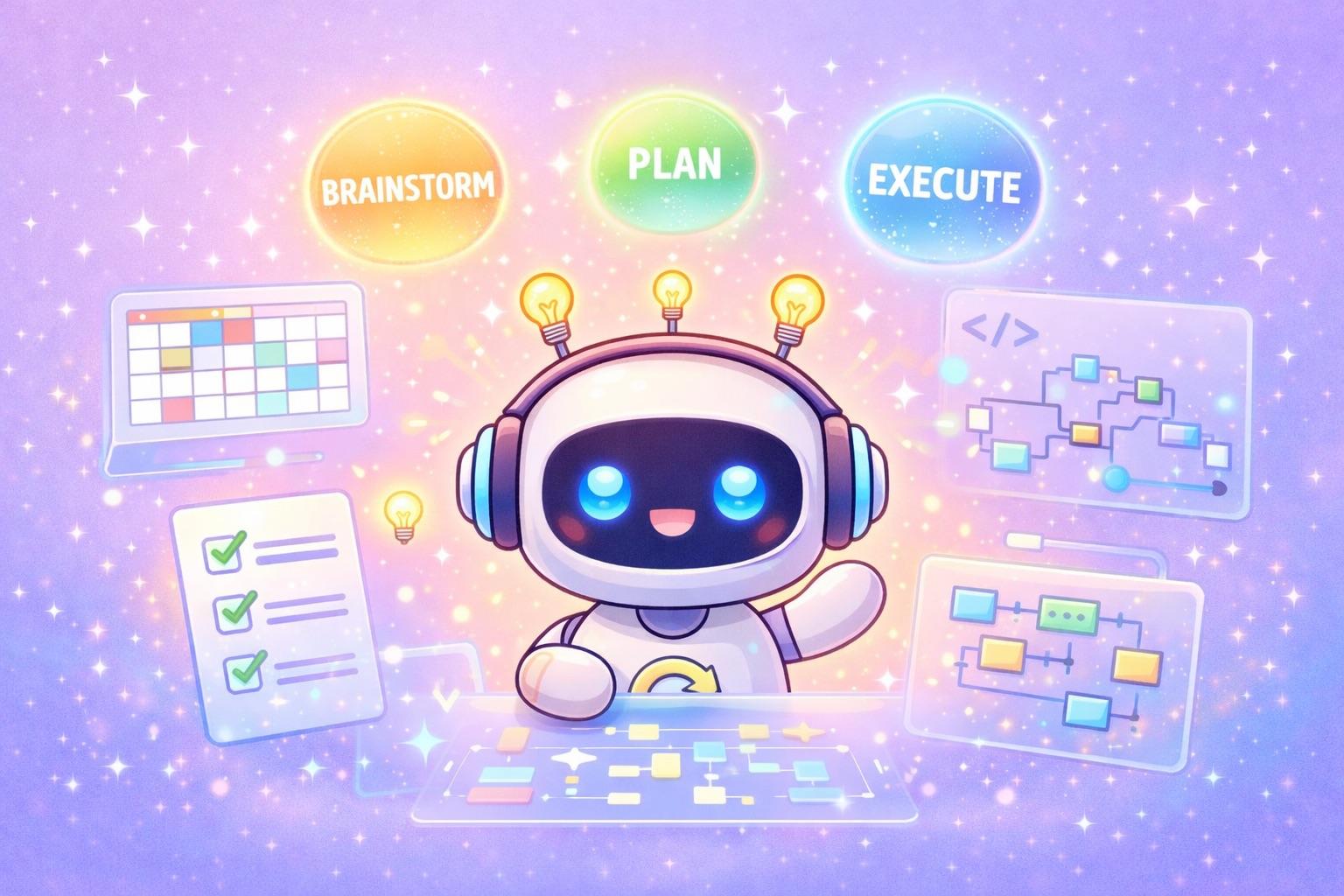
Every developer encounters this. Claude Code's Superpowers skill system addresses it systematically. This post shares my experience using the brainstorm → plan → execute workflow to build a shared calendar.
What Is Superpowers?
Superpowers is an open-source library built on Claude Code's skill system, providing more than 20 skills. Each consists of a SKILL.md file, activates automatically according to context, and covers areas such as testing, debugging, and collaboration. It is designed to enforce proven methods instead of letting AI write code without a process. Commands such as /superpowers:brainstorm, /superpowers:write-plan, and /superpowers:execute-plan let you work through complex tasks in stages.
Installation and Usage
Installation in Claude Code is simple: run /plugin marketplace add obra/superpowers-marketplace, followed by /plugin install superpowers@superpowers-marketplace. Restart the session to enable commands such as /superpowers:brainstorm.
브레인스토밍 → 설계 문서 → 구현 플랜 → 자동 실행
The core of this workflow is that AI asks questions, the user chooses, and AI executes.
Phase 1: Brainstorm—Gather Requirements
Getting Started
/superpowers:brainstorm 가족끼리 일정을 공유할 달력 프로그램을 만들것이다.
디자인은 https://calendar-shadcn.vercel.app/ 를 참조하고 shadcn을 사용할 것이다.
로그인은 firebase를 이용할 것이고 '/Users/.../backend-api/' 에 백엔드 api를 쓸수 있다.
This single line starts the brainstorming session. Claude first checks the current state of the project.
Gathering Requirements Through Questions and Answers
Claude asks questions with choices for each feature:
1. Family Size
가족 구성원은 몇 명 정도를 예상하시나요?

1. 소규모 (2-4명) - 부부와 자녀 1-2명
2. 중규모 (5-8명) - 조부모, 부모, 자녀 포함 확대가족
3. 유동적 - 사용자가 직접 가족을 초대/관리
Answer: 2
2. Permission Model
일정 수정 권한은 어떻게 설정하고 싶으신가요?

1. 모두 동등 - 가족 누구나 모든 일정을 생성/수정/삭제 가능
2. 본인 일정만 - 각자 본인이 만든 일정만 수정 가능
3. 관리자 체계 - 부모만 관리자 권한, 자녀는 본인 일정만 수정
Answer: 1
3. Color Coding
일정을 어떻게 구분해서 보고 싶으신가요?

1. 구성원별 색상 - 각 가족 구성원마다 고유 색상
2. 카테고리별 색상 - 일정 유형별 색상 (병원, 학교, 가족행사)
3. 둘 다 - 구성원 + 카테고리 조합
Answer: 3
In this way, we decide on calendar views, notifications, recurring events, authentication, and more, one at a time.
The Automatically Generated Design Document
Once all the questions are answered, Claude automatically generates a design document:
# 가족 공유 캘린더 설계 문서

## 1. 개요
**목적**: 확대가족(5-8명)이 일정을 공유하는 웹 캘린더

**핵심 특징**:
- 구성원별 색상 + 카테고리별 색상 조합
- 월간/주간/일간 뷰 전환
- 상세 반복 일정 (매주 월·수·금, 매월 셋째 토요일 등)
- Firebase Auth 공유 (kid-chat과 동일 계정)

## 2. 아키텍처
┌─────────────────┐     ┌─────────────────┐     ┌──────────────┐
│  Next.js App    │────▶│  FastAPI        │────▶│  PostgreSQL  │
│  (calendar)     │     │  (backend-api)  │     │              │
└────────┬────────┘     └─────────────────┘     └──────────────┘
         │
         ▼
┌─────────────────┐
│  Firebase Auth  │ ◀── kid-chat과 공유
└─────────────────┘
The key point: the user only made choices, yet a complete design document emerged.
Phase 2: Plan—Write an Implementation Plan
The Plan-Generation Command
/superpowers:write-plan '/path/to/2026-01-01-family-calendar-design.md'
브레인스토밍으로 나온 결과이다
Claude reads the design document and creates a detailed implementation plan containing 18 tasks.
Plan Structure
# Family Calendar Implementation Plan

## Phase 1: Frontend Foundation (Tasks 1-5)
├── Task 1: Initialize Next.js Project
├── Task 2: Install and Configure shadcn/ui
├── Task 3: Configure Firebase
├── Task 4: Create Auth Hook
└── Task 5: Create Login Page

## Phase 2: Backend API (Tasks 6-12)
├── Task 6: Create Database Models
├── Task 7: Create Alembic Migration
├── Task 8: Create Pydantic Schemas
├── Task 9: Create Members Router with Tests (TDD)
├── Task 10: Create Categories Router with Tests (TDD)
├── Task 11: Create Events Router with Tests (TDD)
└── Task 12: Add Auth Verify Endpoint

## Phase 3: Calendar UI (Tasks 13-18)
├── Task 13: Create API Client
├── Task 14: Create Calendar Header Component
├── Task 15: Create Month View Component
├── Task 16: Create Week and Day View Components
├── Task 17: Create Event Dialog Component
└── Task 18: Integrate Calendar Components
An Example Task in Detail
Each task includes specific code and a verification method:
### Task 1: Initialize Next.js Project

**Command:**
npx create-next-app@latest . --typescript --tailwind --eslint \
  --app --src-dir --import-alias "@/*" --use-npm

**Verification:**
- npm run dev 실행 → localhost:3000 접속 확인
- src/app/page.tsx 존재 확인
### Task 9: Create Members Router with Tests (TDD)
**Test First:**
def test_get_members_returns_list(client_with_fake_auth):
response = client_with_fake_auth.get("/calendar/members")
assert response.status_code == 200
assert isinstance(response.json(), list)
**Implementation:**
@router.get("/members", response_model=list[FamilyMemberResponse])
async def get_members(
service: MemberServiceProtocol = Depends(get_member_service),
):
return service.get_all()Phase 3: Execute—Run Automatically
The Execution Command
/superpowers:execute-plan '/path/to/implementation.md'Claude reads the plan and executes its tasks in order.
The Execution Process
Task 1 execution log:
⏺ Task 1: Initialize Next.js Project

⏺ Bash(npx create-next-app@latest . --typescript --tailwind ...)
  ⎿  Creating a new Next.js app in /Users/.../calendar.
     Using npm.
     Initializing project with template: app-tw
     Installing dependencies...

⏺ Bash(npm run dev)
  ⎿  ▲ Next.js 16.1.1
     - Local: http://localhost:3000
     ✓ Starting...
     ✓ Ready in 1532ms

✅ Task 1 완료
Task 2 execution log:
⏺ Task 2: Install and Configure shadcn/ui

⏺ Bash(npx shadcn@latest init -y -d)
  ⎿  ✔ Writing components.json
     ✔ Checking registry.
     ✔ Updating tailwind.config.ts

⏺ Bash(npx shadcn@latest add button input label card dialog ...)
  ⎿  ✔ Installing dependencies.
     ✔ Created 8 components.

✅ Task 2 완료
Automatic Commits
Claude commits automatically whenever a task is completed:
2b0aae4 feat: initialize Next.js 16.1.1 project with TypeScript and Tailwind
14277af feat: add shadcn/ui with essential components
ca3ab5f feat: add Firebase configuration (shared with kid-chat)
fbc207d feat: add Firebase auth hook and utilities
The Result
Supported Features
| Feature | Description |
|---|---|
| Multiple views | Switch between monthly, weekly, and daily views |
| Event CRUD | Create, read, update, and delete |
| Recurring events | Daily, weekly, monthly, yearly, and specific weekdays |
| Categories | Color-based categorization |
| Family members | A different color for each member |
| Responsive layout | Supports mobile, tablet, and desktop |
Technology Stack
| Layer | Technology |
|---|---|
| Frontend | Next.js 16.1.1 (App Router) |
| UI | shadcn/ui + Tailwind CSS 4 |
| Auth | Firebase Authentication |
| Backend | FastAPI + SQLAlchemy |
| Database | PostgreSQL |
| Recurring events | RRULE (RFC 5545) |
Workflow Summary
┌─────────────────────────────────────────────────────────────┐
│  /superpowers:brainstorm                                    │
│  "가족 캘린더를 만들고 싶다"                                  │
│                     ↓                                        │
│  Claude가 질문 → 사용자가 선택 → 설계 문서 자동 생성         │
└─────────────────────────────────────────────────────────────┘
                              ↓
┌─────────────────────────────────────────────────────────────┐
│  /superpowers:write-plan                                    │
│  설계 문서 → 18개 Task로 분해된 구현 플랜                    │
└─────────────────────────────────────────────────────────────┘
                              ↓
┌─────────────────────────────────────────────────────────────┐
│  /superpowers:execute-plan                                  │
│  Task 1 실행 → 커밋 → Task 2 실행 → 커밋 → ... → 완성       │
└─────────────────────────────────────────────────────────────┘
What I Learned
1. Questions Are the Key to Collaborating with AI
Superpowers' brainstorm does more than transcribe requirements. It asks the right questions to draw out the user's implicit knowledge. Questions such as “How large is the family?” and “What is the permission model?” made a clear design possible from the start.
2. A Plan Makes Execution Easier
Breaking the plan into 18 tasks let Claude focus on one thing at a time. Each task was independent and verifiable, so problems could be corrected quickly.
3. TDD Happens Naturally
The plan includes a “Test First” section, enforcing the order write tests → implement → verify. Tests are naturally written first even when the developer is not consciously applying TDD.
4. Preserving Context Matters
Claude can forget earlier context in long sessions. Because Superpowers saves design documents and plans as files, work can resume even after a session is interrupted.
Closing Thoughts
Claude Code and Superpowers greatly shorten the distance from an idea to an implementation.
- Brainstorm: clarify requirements through questions and answers
- Plan: break the work into tasks systematically
- Execute: automatic execution and commits
Even complex projects become much easier when started with this workflow. Try it on your next project.
Next Post: Implementation Details
This post covered the Claude Code and Superpowers workflow. For the detailed structure of the actual implementation, see the next post:
👉 Building a Full-Stack Family Calendar: Recurring Events with FastAPI and Next.js
- Improve testability with the Protocol pattern
- Implement recurring events with the RRULE standard
- The backend test pyramid
Live Demo: https://calendar.funq.kr
Leave a comment if you have any questions!

Comments
Korean and English pages share this conversation.
Loading comments…